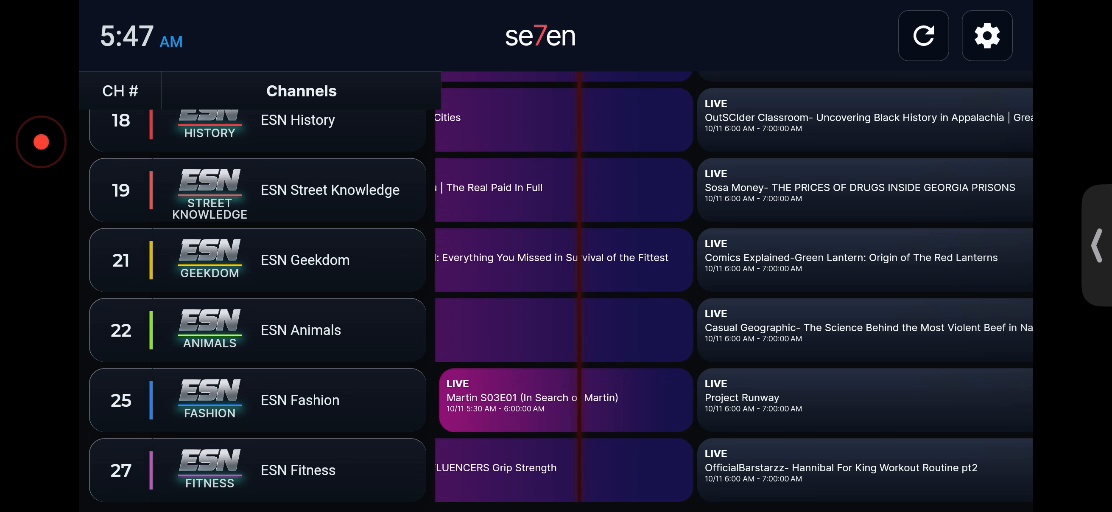
See What's On
Browse channels and upcoming shows in the familiar television guide.
Your favorite online content meets the classic cable TV experience. Explore channels, discover something to watch, and enjoy the familiar feeling of flipping through television — all in one place.
Watch in your browser or add SE7EN to your phone's Home Screen for an app-like experience.
Find something to watch without endlessly searching. Browse the guide, flip channels, and see what's playing.
Browse channels and upcoming shows in the familiar television guide.
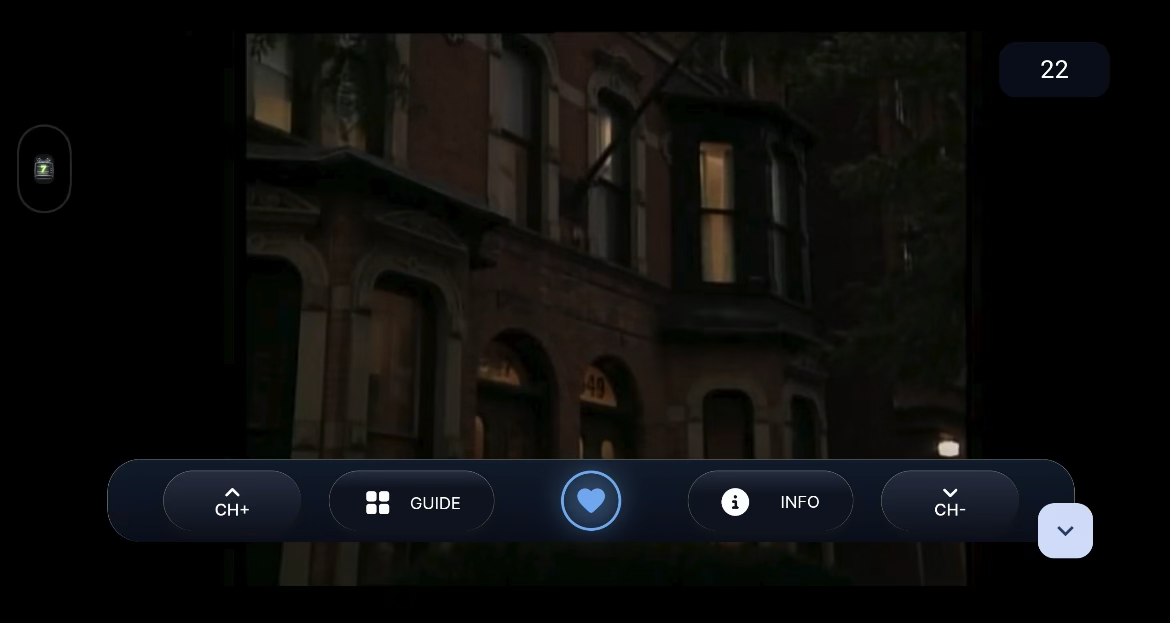
Use CH+ and CH−, open the guide, and access your viewing controls.
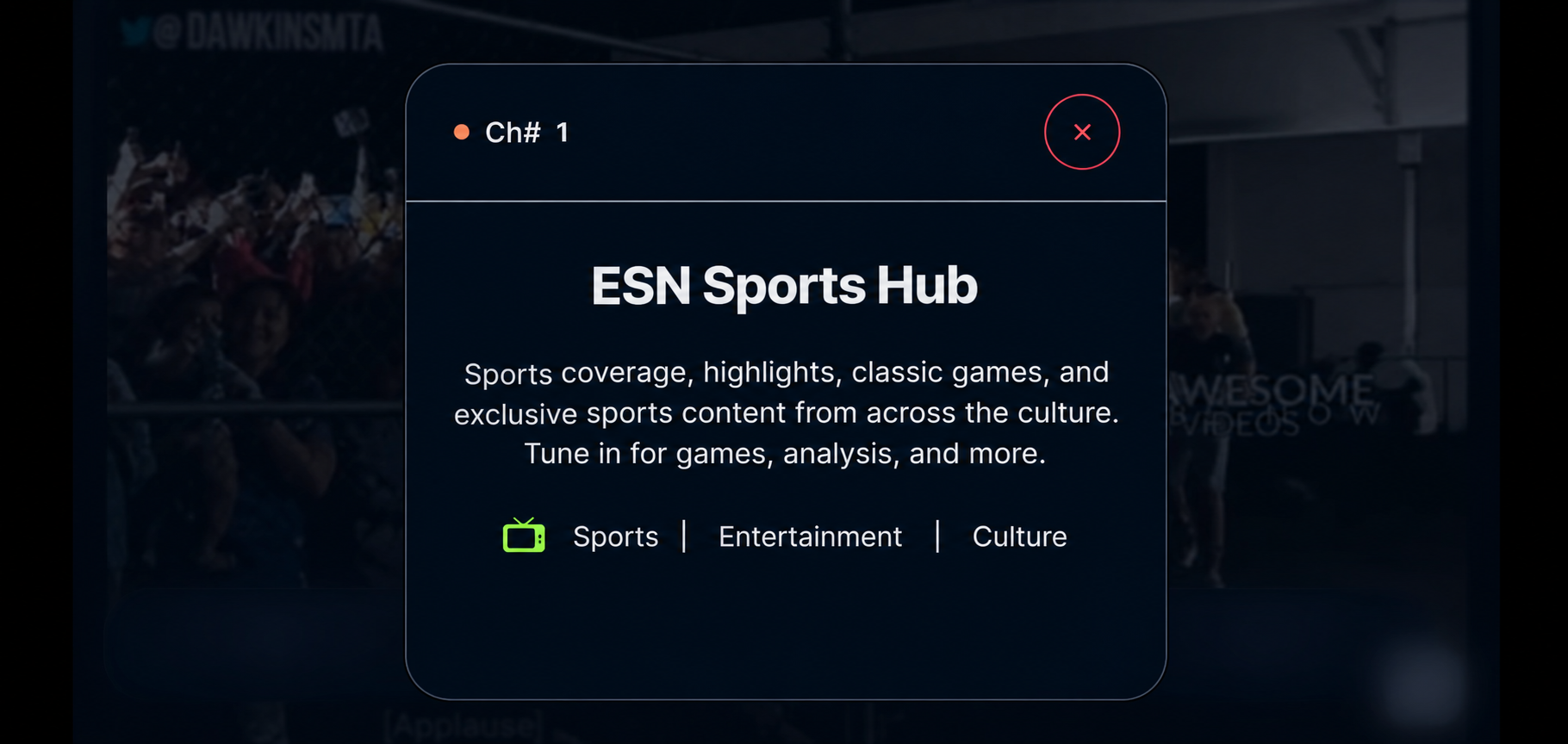
Open INFO to learn more about a channel or video. Promotional illustration of the feature.
A glimpse of the entertainment and culture you can explore. This is only part of the lineup.
And much more. The channel lineup continues to evolve.
No app-store download required for the web app. Follow the instructions below to add SE7EN to your Home Screen and launch it like an app.
SE7EN is a platform for discovering and watching video through a familiar, channel-based television experience.
Follow the installation instructions on this page to add SE7EN to your Home Screen for an app-like experience.
No. You can also open SE7EN in your web browser.
SE7EN presents content from a range of sources, including third-party services that permit embedded or externally hosted playback, along with content ESN produces or is authorized to distribute.
We aim to handle viewer information responsibly. Our full privacy notice will explain what information is collected, why, and how it is used.
Not currently. Additional device support may be added in the future.
SE7EN TV is more than a streaming platform. It's part of a larger vision to create opportunities for independent voices, bring diverse entertainment together, and build something that can grow beyond the traditional media landscape.
Behind SE7EN is Everlasting Studios Network, an independently owned media company building this vision from the ground up. Every contribution helps support continued development, new features, and the growth of the platform.
Enjoying SE7EN? Support is always appreciated, never required. Watching will remain free under our current model.
Support SE7EN — Coming SoonDonation options will be added here once available.